
How to Search Lumpkin Cases by Name
PeachCourt's criminal help pages describe a party-name search. The logged-in search controls, including spelling fields and pagination, are only visible after you register. So treat any name result as a lead, not proof of identity. Before you rely on a match, confirm the court, case number, parties, assigned judge, and filing dates. Do not skip this step.
- Start at the Lumpkin County Clerk page and follow its PeachCourt route.
- Create or use the required PeachCourt account, then choose the county and correct court.
- Enter the party name using the provider's available case search.
- Compare possible matches by court, caption, case number, status, and dates.
- Open the case-information page and check proceedings, calendar events, and available documents separately.
- If no match appears, call the right clerk or use PeachCourt's Missing Cases route.
| Published Input | Type | Required | Use |
|---|---|---|---|
| County | Selection | Yes | Choose Lumpkin rather than assuming a statewide result. |
| Court | Selection | Yes | Select the court that owns the file. |
| Party name | Text | For name route | Published for criminal search; exact pre-login labels were not exposed. |
| Case number | Text | For number route | Use the exact identifier from an official document. |
Lumpkin PeachCourt Account Gateway
The official PeachCourt case-search route redirects unauthenticated visitors to account access.
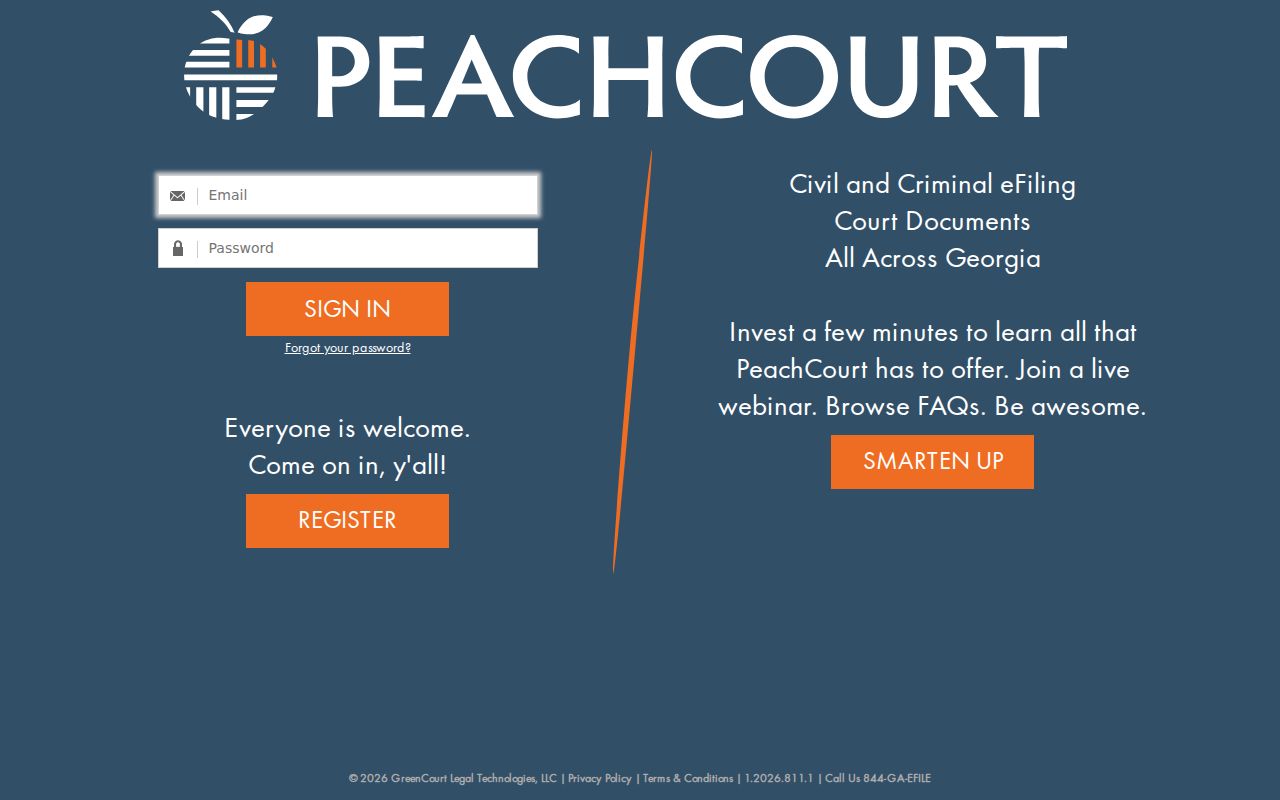
Creating an account is part of the normal public workflow. Free registration collects contact and account details, a password, a captcha, and your acceptance of the terms. An account changes nothing about sealing, adoption exclusions, redaction, or which documents a particular court makes available.
How to Search by Case Number
Start with the exact identifier printed on a summons, filed document, clerk receipt, order, or court notice. No official source publishes a universal Lumpkin format, so never reshape the number into a guessed year, case-type prefix, or sequence. Type it exactly as shown: exact number from court document. PeachCourt's help says to pick the county and court first, then enter the case number. A number search usually beats a name search. It points to one court-assigned file. Even so, confirm that the returned county, court, caption, and filing activity match your source document. One typo, or the wrong court selection, can return nothing even when the case exists.
No Lumpkin Number Pattern Published
The missing format is a real limit, not an invitation to invent an example. Superior, Magistrate, Probate, municipal, juvenile, appellate, bankruptcy, and federal courts have no obligation to number cases alike. Keep every punctuation mark and leading zero exactly as the source shows them.
Exact means exact: Copy the case number from the newest official paper, then pair it with the correct county and court selection.
If the number returns nothing, check first for a transcription error. Then ask the clerk's office whether the file belongs to a different court class. PeachCourt also publishes a Missing Cases form that takes the county, court type, case number, and comments.
What a Lumpkin Case Search Shows
PeachCourt's criminal case-information help gives the clearest list of fields, though what appears varies by court. A case page can identify the matter and its chronology without showing every filed image or financial detail.
| Case identity | Case number, court, and status where supplied. |
|---|---|
| People and roles | Co-defendants, prosecuting attorney, defense attorney, and other published party information. |
| Judicial assignment | Assigned judge, which is not itself a hearing-date guarantee. |
| Case substance | Charges in criminal matters; a charge is an allegation, not a disposition. |
| Activity | Calendar events and docket proceedings in chronological context. |
| Outcome | Disposition and disposition date where entered. |
| Documents | Available case documents, subject to the court, fees, redaction, and exclusions. |
Read entries with care. A filing date is not a hearing date, and a scheduled event is not an outcome. A docket summary is never the full filed document, and certification must come from the clerk.
Lumpkin E-Filing and Search Coverage
The official Georgia court e-filing chart identifies PeachCourt as mandatory for Lumpkin Superior Court.
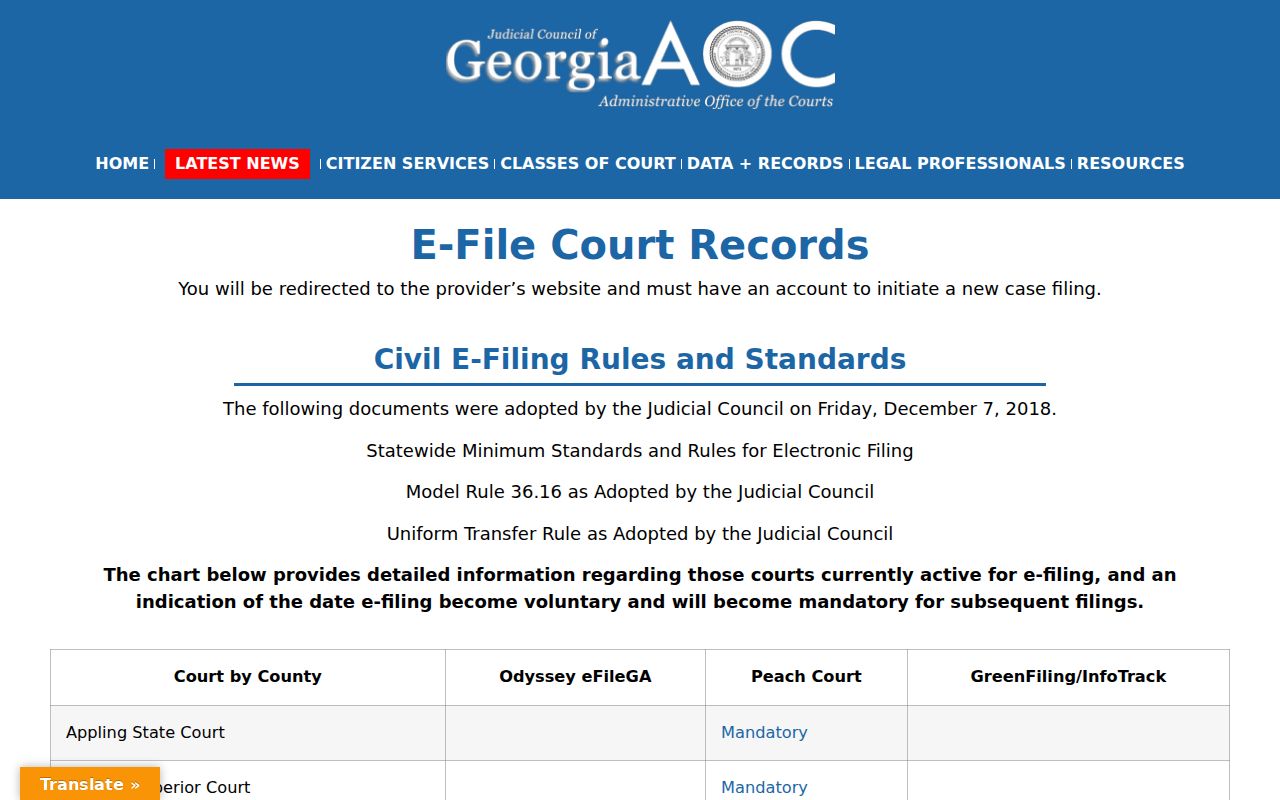
Mandatory e-filing does not mean every document is open online. Nor does it mean every lower court shares the same index. Civil e-filing became mandatory in 2019. Criminal e-filing became available in 2020, and the Clerk page states Magistrate civil e-filing became available in 2026. What you can search and what you can file remain two different questions.
County vs Statewide Case Search
Georgia Courts E-Access works as a directory. It redirects you to the applicable provider and tells you an account is required. It is not one database returning every trial case in Georgia, so Lumpkin Superior search stays a local clerk plus PeachCourt path.
| Georgia E-Access Directory | Lumpkin Superior Route |
|---|---|
| Routes users among provider systems | Begins with the Lumpkin Clerk and PeachCourt |
| Does not promise one combined result set | Targets a known Lumpkin Superior matter |
| Useful when the provider is unknown | Best when county, court, and case identity are known |
| Account notice applies to provider access | PeachCourt login and court-specific availability apply |
Georgia E-Access Directory Limits
The official Georgia Courts E-Access page explains the redirect and account model.
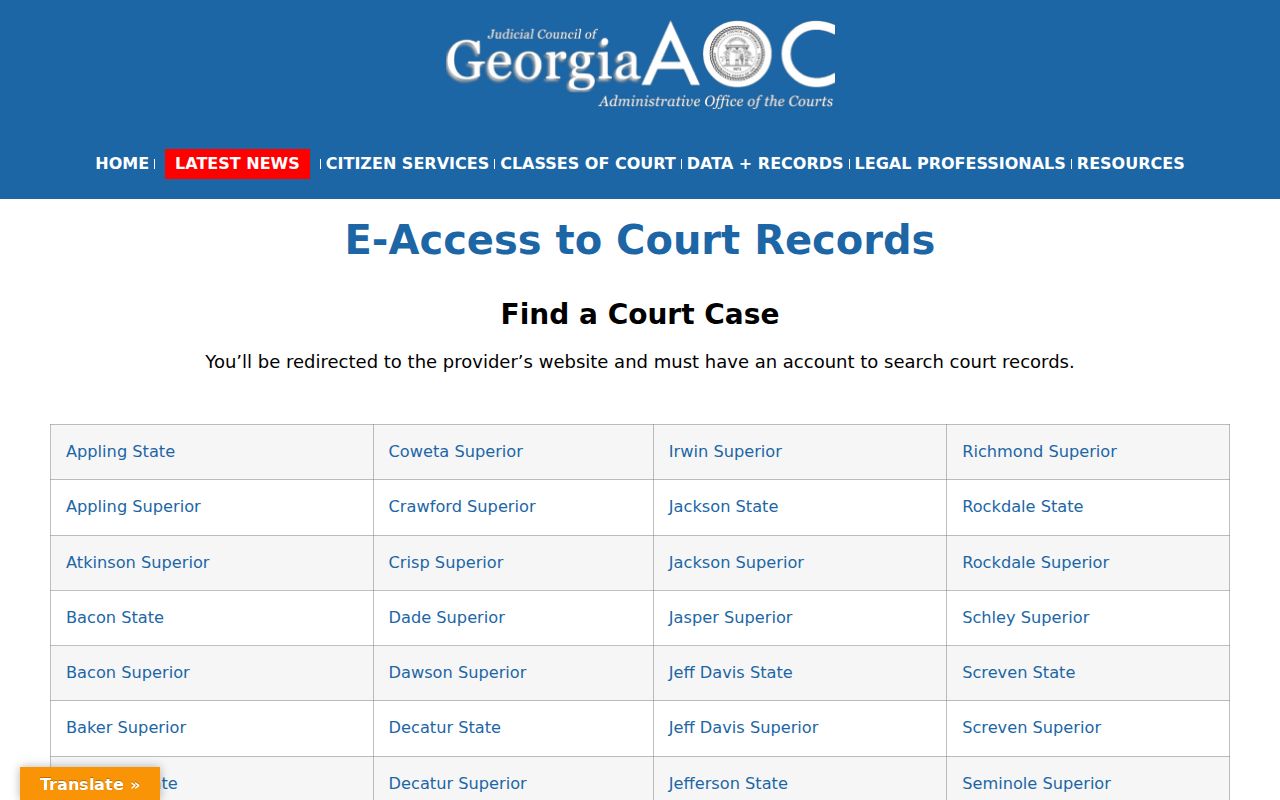
A dead end in the directory proves nothing about whether a Lumpkin County case exists. Go back to the right office. Call the Superior Clerk at 706-864-3736, Magistrate criminal at 706-864-7760, Probate at 706-864-3847, or Dahlonega Municipal at 706-482-2720 as the matter requires. The Clerk's Public Access Terminal offers an in-person electronic option, though it is not described as a free universal archive.
Restricted Cases and Access Rules
PeachCourt's published document-access scope leaves out sealed documents, adoption-related material, and proposed orders that were never executed. Juvenile and adoption files have a dedicated Lumpkin Clerk function, so they cannot be treated like an ordinary Superior name search. Georgia rules also shield identifiers and other sensitive data. A docket can be public while a single filing sits redacted, excluded, sealed, or behind a fee. An empty online result never proves a case does not exist. Ask the clerk's office whether the record is public, partly redacted, sealed, or limited to an authorized person. If the full image is restricted, request the public docket or a redacted copy. Note that the county's general Open Records Act form expressly excludes Clerk of Court requests, so it cannot bypass court access rules.
Lumpkin Cases Beyond State Trial Court
Federal and appellate matters live in separate systems. Lumpkin County sits in the Northern District of Georgia's Gainesville Division, and federal trial cases run through PACER, not PeachCourt. Bankruptcy cases also route through the Northern District Bankruptcy Court in Gainesville. The official Gainesville Bankruptcy Division page lists Lumpkin among the counties served.
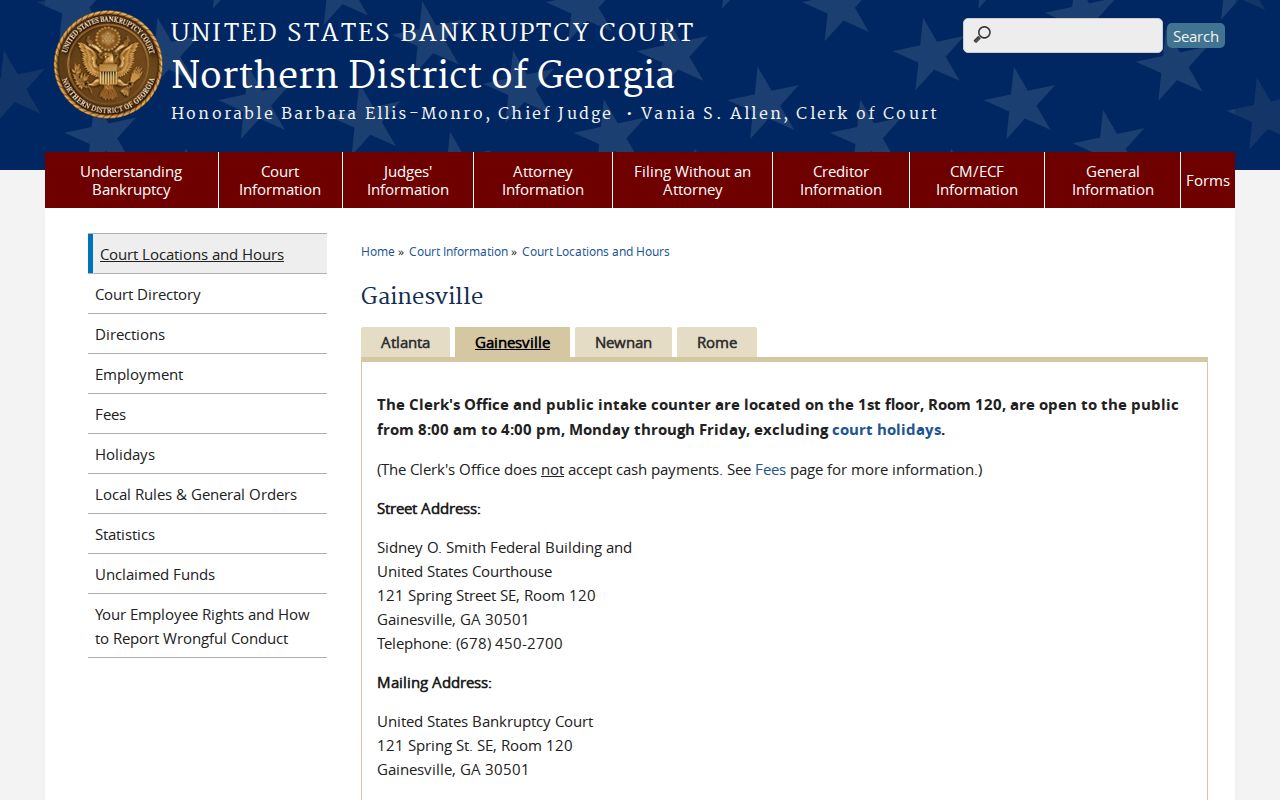
That division page places you in the right federal context; it is not a county docket. State appeals use Georgia's appellate tools, while federal appeals from the Northern District go to the Eleventh Circuit. The official Eleventh Circuit e-filing page links its CM/ECF docket-report route.
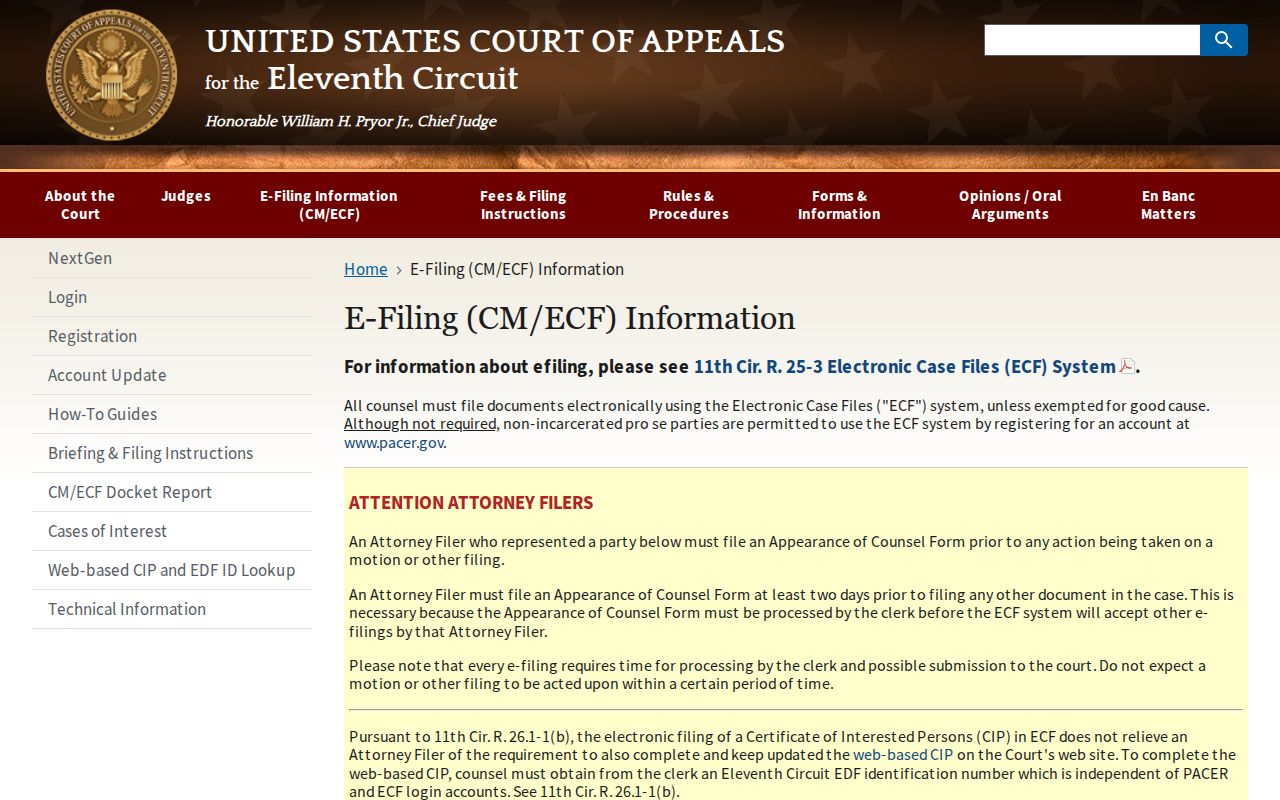
This is the last routing boundary. An appeal notice inside a Lumpkin Superior docket is not the appellate docket itself. For later filings and rulings, search the receiving appellate court.
Lumpkin Search Notes for Verification
Court first, always. That habit pays off across Lumpkin County's lower courts. Magistrate civil claims may use the county-linked NCourt filing route. Criminal and warrant questions go to the criminal clerk. Probate traffic and Dahlonega municipal citations can sometimes be searched through EZCourtPay. That tool is not a full docket. Juvenile and adoption inquiries belong with the dedicated Clerk function. Expect access restrictions there.
When a Lumpkin County docket search succeeds, save what made it work: exact court, county, case number, and spelling used. Record the source URL too. Add the date you checked. If no image appears, note whether the docket entry was visible. Then ask the clerk for the named filed item. A downloaded file-stamped image is not automatically certified. Request certification whenever an official copy matters.
Federal dockets take a different route. PACER's Case Locator helps when the district is unknown. Query the district directly when you already have the case number. PeachCourt, the county Public Access Terminal, NCourt, and EZCourtPay do not search federal dockets. A Lumpkin address alone does not identify the filing court.
When a Lumpkin Case Is Missing
A blank PeachCourt result is not proof that no case exists. It usually means a routing problem. First confirm Lumpkin County and the right court were selected. No separate Lumpkin State Court appears in the current structure materials. A felony or broad civil matter may belong to Superior Court. A claim of $15,000 or less may belong to Magistrate Court. A county misdemeanor traffic case may sit in Probate Court. Dahlonega traffic and ordinance matters have their own municipal clerk.
Then compare the case number character by character. Use the newest summons, receipt, filed order, or notice. No number handy? Repeat the published party-name search. Verify the caption, court, judge, and dates. PeachCourt's Missing Cases form is the provider's fallback for a Superior matter. It asks for the county, court type, case number, and comments. The Lumpkin Clerk remains the official record office. The Clerk can tell a docket view from a filed image or certified copy.
A case page can appear even when documents will not open. PeachCourt says availability varies by court. Sealed documents, adoption-related material, and proposed orders that were never executed are excluded. A docket line can exist with no image. Ask whether the item is public, redacted, sealed, excluded, or available only through the clerk. Juvenile and adoption records call for the dedicated records function, not a forced name search.
The final fallback is a phone call. The Clerk handles Superior, civil, criminal, juvenile, and adoption inquiries at 706-864-3736. Magistrate criminal questions use 706-864-7760. Probate uses 706-864-3847. Dahlonega Municipal Court uses 706-482-2720. The clerk publishes no general mail, fax, email, drop-box, API, or subscription process. Confirm how to send records or payment before you send anything.